
Want a free robots txt generator that just works?
A robots.txt generator is a simple online tool. It builds a valid robots.txt file in seconds. You enter your rules, and it writes the syntax. This saves WordPress, Blogger, and Next.js owners real time.
Introduction
Every solid robots txt generator starts with one goal. It helps search engines crawl your site correctly. Getting this file wrong can hide your best pages. Getting it right can protect your crawl budget.
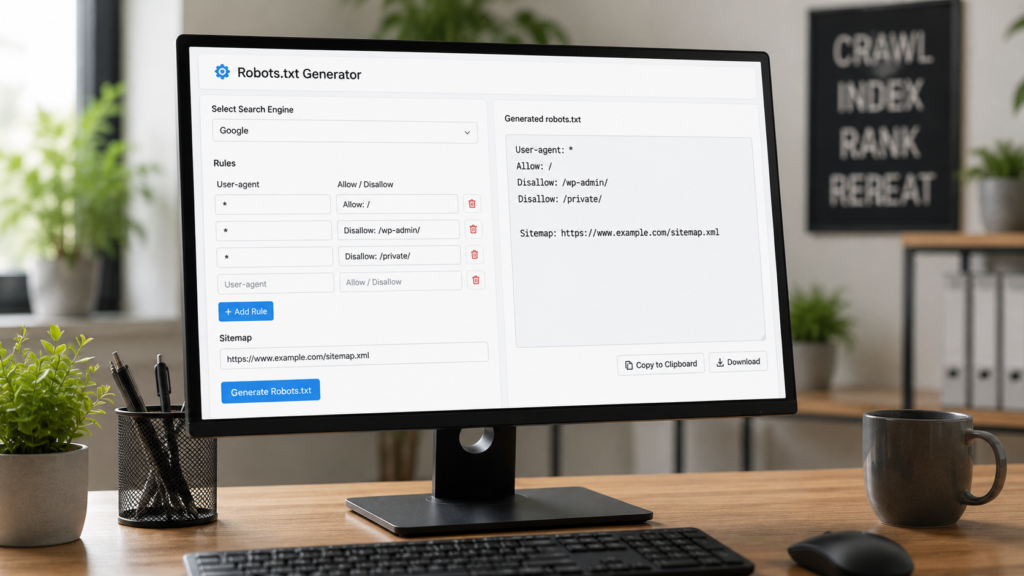
This guide covers what robots.txt actually does. It also shows how to build one fast. You will get setup steps for WordPress, Blogger, and Next.js. We will also cover new rules for AI crawlers in 2026.
What Is a Robots.txt File?
A robots.txt file is a plain text file. It sits inside your website’s root folder. Search engines read it before crawling anything else. The file tells bots which pages to skip. It also tells them which pages to crawl freely. Robots.txt has guided the web for over thirty years. Most major crawlers still respect it today. But it works as a request, not a lock. Some bots simply choose to ignore it.
The file name must stay lowercase always. It only works from your domain’s true root. A copy placed inside a subfolder gets ignored. Google also limits how much of the file it reads.
This file matters most on larger sites. Think about big stores or busy blogs. Search engines only crawl a limited number of pages per visit. Wasting that visit on junk pages hurts your crawl budget. A clean robots.txt file protects that budget directly.
Robots.txt Directives Explained
Robots.txt uses just a few core directives. Learning them makes writing rules much easier.
The user agent line names the target bot. A single star means it applies broadly. Disallow blocks a path from being crawled. Allow creates an exception inside a blocked path. Sitemap points crawlers to your XML sitemap file.
Wildcards add extra power to your rules. A star symbol matches any character sequence. A dollar sign marks the exact end of a URL. Lines starting with a hash are just comments. Engines skip comments completely while crawling.
Order rarely matters between different user agent blocks. Within one block, more specific rules usually win. Testing confirms exactly how your rules get applied.
Most generators handle this syntax automatically for you. Still, understanding each line helps you catch mistakes fast. A quick manual review only takes a minute.
What Is a Robots.txt Generator and How Does It Work?
A robots.txt generator is a free tool. It builds a correct file from simple form inputs. No coding is needed. It avoids errors beginners often make by hand. Think of it as a robots txt builder anyone can use.

Here is what a good generator usually offers.
- A field for your site’s full URL
- Simple allow and disallow rule builders
- A box to add your sitemap link
- Presets for blocking specific AI bots
- One click copy or download of the file
Many creators search for a robots txt generator Google itself would trust. The truth is simple. Any generator works fine, as long as it follows Google’s own syntax. Pair this tool with solid keyword research. Clean meta descriptions round out your technical setup.
How to Use a Free Robots.txt Generator
Building your file takes just a few minutes. Follow these simple steps.
- Enter your website’s full domain name.
- Choose which folders to allow or block.
- Add your sitemap generator link at the bottom.
- Select rules for AI bots, if desired.
- Generate, then copy or download the file.
- Upload or paste it into your site’s root.
That covers the process for most small sites. Larger stores often need extra rules. A careful ecommerce SEO setup usually blocks cart and checkout paths. Always preview the output before you save it live.
Robots.txt for WordPress
WordPress already creates a virtual robots.txt file. You can view it at yoursite.com/robots.txt. This default version usually blocks your WordPress admin folder. It still allows one required file inside, so plugins keep working. You cannot edit this virtual version directly. To change it, you need a real physical file.
Using an SEO Plugin
Most owners handle this through a plugin. Yoast SEO offers a path under SEO, Tools, File Editor. Rank Math offers a similar option in its settings. Both plugins let you paste rules and save. This method skips FTP access entirely. Per Yoast’s own guide, saving here creates a real physical file. That file then replaces the virtual one automatically.
Adding Robots.txt Manually
Some owners prefer manual, hands on control. Create a plain text file yourself first. Name it exactly robots.txt, all lowercase. Then upload it to your root folder via FTP. A simple WordPress example looks like this:
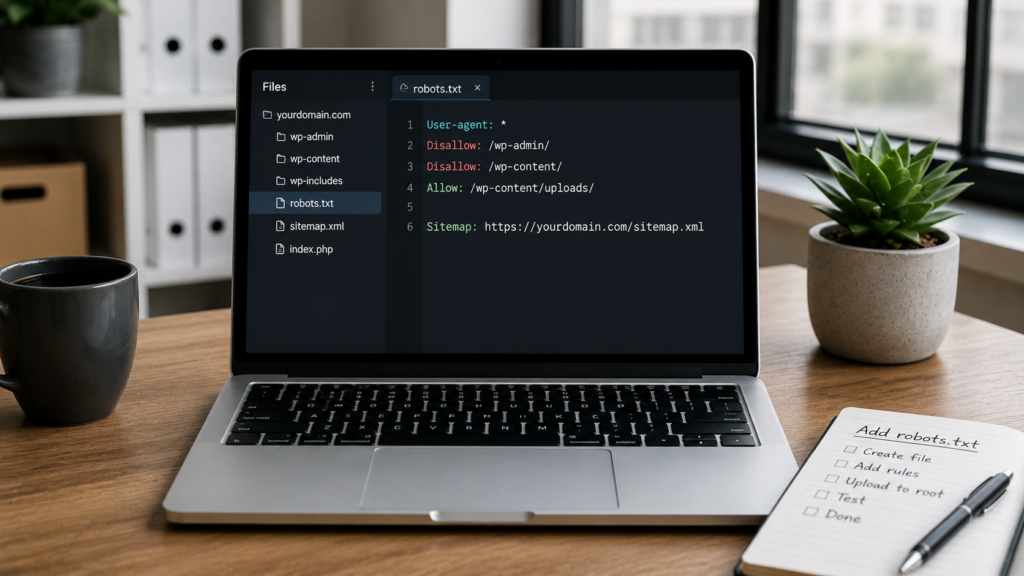
User-agent: *
Disallow: /wp-admin/
Allow: /wp-admin/admin-ajax.php
Sitemap: https://yoursite.com/sitemap.xml
Many WordPress sites add a few more rules. The Blocking internal search results avoids duplicate content. Blocking the readme file hides your version number. Blocking feed duplicates also helps on busy sites. These small tweaks protect crawl budget over time.
Getting this right supports your broader technical SEO for website performance goals. Need a full build instead? Our WordPress website development team can handle it for you.
Robots.txt for Blogger
Blogger works a little differently than WordPress. You cannot upload a physical file to its servers. Instead, Blogger gives you a settings toggle.
Here is the exact path to follow.
- Open your Blogger dashboard and pick your blog.
- Go to Settings, then Crawlers and indexing.
- Turn on the Custom robots.txt option.
- Paste your rules into the open text box.
- Click Save to publish the changes live.
A simple Blogger robots.txt example looks like this:
User-agent: *
Disallow: /search
Allow: /
Sitemap: https://yourblog.blogspot.com/sitemap.xml
The Disallow line above blocks internal search pages. Those pages often create duplicate content problems. Some bloggers also block label pages this way. Archive pages by date can create thin content too. Blocking these paths keeps your index clean and focused. Always keep your homepage and posts fully open, though.
Blogger also builds a default sitemap automatically. This setup supports stronger organic search visibility from day one.
Robots.txt for Next.js
Next.js gives developers two clean ways to add this file. Both methods suit modern React projects well.

Static Robots.txt File
The simplest option is a static file. Place a robots.txt file inside your public folder. Next.js serves it directly at your root. This suits sites with fixed, unchanging rules.
Dynamic Robots File Using Metadata
Many Next.js projects prefer a dynamic option instead. Create a robots.ts file inside your app folder. Export a function that returns your rules as an object. This approach, confirmed in Next.js official documentation, suits multi environment projects well.
Some teams need different rules per environment entirely. A staging site should usually block every single bot. Production should stay fully open for real users. The dynamic file handles this branching logic easily. Just check your environment setting inside the function.
A basic example looks like this:
import type { MetadataRoute } from 'next'

export default function robots(): MetadataRoute.Robots {
  return {
    rules: {
      userAgent: '*',
      allow: '/',
      disallow: '/private/',
    },
    sitemap: 'https://yoursite.com/sitemap.xml',
  }
}
Rendering issues can hurt Next.js SEO beyond this file alone. Proper JavaScript SEO practices help engines read pages fully. Planning a custom build from scratch? Check our custom website development service.
Robots.txt and AI Crawlers in 2026
Robots.txt now controls more than search engines alone. AI companies also send crawlers to read content. Some collect data purely for model training. Others fetch pages live to answer questions.

Common AI bots include GPTBot, ClaudeBot, PerplexityBot, and Google’s own AI training crawler. You can block training bots while allowing search style ones. This split protects your content from training use. It still keeps you visible inside AI generated answers. Checking your server logs shows which bots actually visit.
A balanced ruleset often looks like this:
User-agent: GPTBot
Disallow: /

User-agent: ClaudeBot
Disallow: /

User-agent: Google-Extended
Disallow: /

User-agent: PerplexityBot
Allow: /
This strategy connects closely to GEO, or generative engine optimization. Teams exploring what AI SEO really means should treat robots.txt as step one. You may also hear about llms.txt, a newer proposed file. It offers AI tools a curated map of your content. Adoption stays mixed, and major providers have not all embraced it. Robots.txt remains the far more reliable, widely honored standard. For deeper research, Cloudflare’s own guidance tracks how these crawlers behave. Curious about visibility inside AI chat tools? Our guide on showing up in AI chat answers breaks this down. An AI SEO checker can also confirm your current bot rules.
Robots.txt vs Meta Robots Tag
People often confuse these two different tools. Both control search engines, but in different ways.
Robots.txt works at the crawling level only. It tells bots which paths to skip entirely. A meta robots tag works at the page level instead. It sits inside a single page’s head section. This tag controls indexing, not crawling access.
Use robots.txt to save crawl budget on large sections. Use a noindex meta tag to hide one page. Combining both incorrectly can cause real problems. A page blocked in robots.txt cannot show its own tag. Search engines never see that page’s content at all.
For full control, pick the right tool per case. Pair this knowledge with clean canonical URLs sitewide.
Robots.txt for Ecommerce and Large Sites
Robots.txt matters even more for large stores. Ecommerce sites often generate thousands of filter URLs. Blocking faceted navigation paths saves huge crawl budget. Search results and cart pages rarely need indexing either. A tight file helps engines focus on real products.

Large sites also benefit from strong local SEO strategies alongside clean crawling. Together, these steps keep both bots and shoppers happy.
Common Robots.txt Mistakes to Avoid
Small errors here can cause big traffic drops. These issues appear more than you would expect.
- Blocking your entire site using a stray slash
- Trying to hide pages from Google using Disallow alone
- Blocking CSS or JS files engines need to render pages
- Forgetting to add your sitemap line completely
- Placing the file somewhere other than the root folder
- Blocking useful pagination pages that still hold value
Remember, Disallow only stops crawling, not indexing. A blocked page can still appear in results sometimes. Use a proper noindex tag for guaranteed removal. For full directive syntax, see Google’s guide to writing robots.txt rules.
Robots.txt Best Practices for SEO
Follow these habits to keep your file healthy. A little upkeep prevents most major headaches later.
- Keep your rules short, clear, and easy to read
- Always test changes before publishing them live
- Reference your sitemap directly inside the file
- Pair robots.txt with solid canonical tags for duplicates
- Review your file after any major site redesign
- Watch mobile first indexing rules, since Google mainly crawls mobile
Good technical SEO rarely works alone, though. Strong meta title length choices and clear alt text still matter. Together, they support core web vitals and overall page health. Adding schema markup alongside robots.txt rounds out your setup.
How to Test and Validate Your Robots.txt File
Never publish a robots.txt file untested. One wrong line can block your entire site.
Start inside Google Search Console. Open the robots.txt report under Settings. It shows the last version Google actually crawled. It also flags syntax errors or warnings clearly. You can also visit yoursite.com/robots.txt in any browser. Confirm every rule matches what you intended.
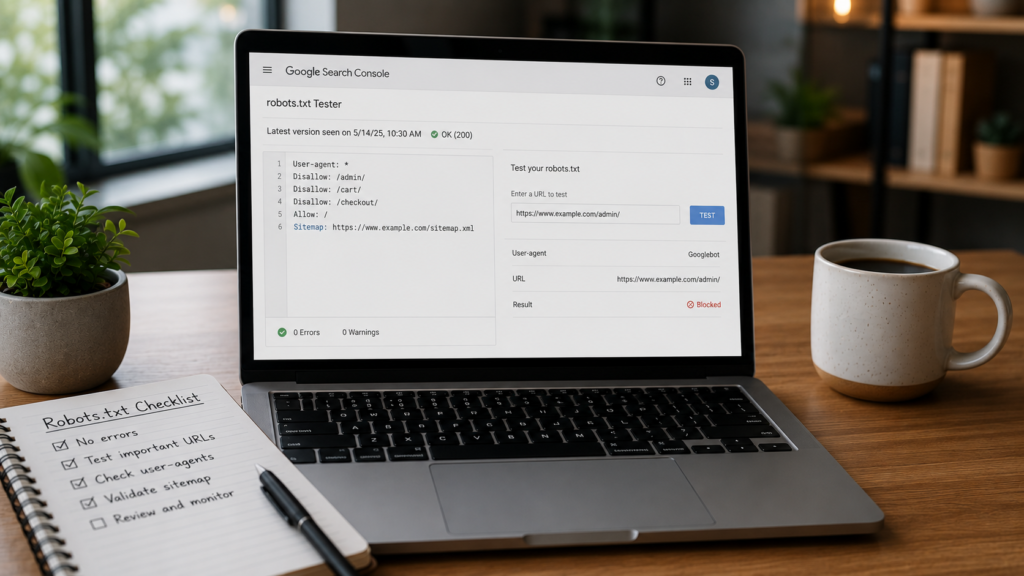
Search engines also cache your file temporarily. Google can cache a version for up to two days. Changes may take a little time to show. Requesting a fresh crawl inside Search Console speeds this up.
For background on how this fits together, see Google’s own robots.txt documentation. It explains each directive clearly. Testing regularly also supports a full technical SEO audit routine. Not sure how to run one yourself? Learn how to perform an SEO audit the right way. Watching your organic traffic after changes confirms things still work. You can also track shifts using a domain authority checker over time. Still unsure if your setup works? Our guide on knowing if your SEO is working explains the signs. For hands off help, explore our full SEO services.
Frequently Asked Questions
A robots txt generator is a free tool. It builds a robots.txt file from simple form inputs. This avoids syntax errors beginners often make by hand. No coding skills needed.
Yes, most generators are completely free to use. You build, edit, and download your file in minutes. No signup or technical skill is required at all. It works right today.
Not exactly. Robots.txt blocks crawling, not indexing. A blocked page can still get indexed if linked elsewhere online. Use noindex instead for guaranteed removal from search results every single time.
Place it in your website’s root directory only. It must load directly at yoursite.com/robots.txt for crawlers to find it easily. Files placed inside subfolders always get ignored by every crawler.
Yes. Name the bot, like GPTBot or ClaudeBot. Add a simple disallow line under it. This fully blocks AI model training. Search engines can still crawl and rank your pages.
Conclusion
A robots.txt generator saves you real time and risk. It keeps search engines focused on your best content. WordPress, Blogger, and Next.js all support this file easily. Even AI crawlers now follow similar basic rules. Small files like this often get overlooked. Yet they shape how engines see your whole site.
Treat robots.txt as a core part of technical SEO, not an afterthought. Build your file, test it fully, then publish with confidence. Want expert hands on your technical setup? Our AI SEO services team is ready to help.

About the author
Ujjwal Kumawat
I specialize in SEO, website development, Google Ads and online business growth strategies. Through my blogs, I share practical insights, marketing tips and proven strategies to help businesses improve their online visibility, generate more leads and grow faster in the digital space.