Your website is live, but it’s not ranking — and you have no idea why. Before you change anything, you need an SEO Audit. An SEO audit is a structured review of your website’s search engine optimisation health. It examines every factor that affects your ability to rank — from technical errors to content gaps to backlink quality. Think of it as a diagnostic report for your site.
Search has shifted. Traditional Google results now compete with AI-generated answers from ChatGPT, Gemini, and Claude. That means your site needs to be optimised for both search engines and AI platforms. This guide gives you a complete, step-by-step framework to perform a thorough SEO audit — even if you’re starting from scratch.
What Is an SEO Audit?
An SEO audit is a comprehensive analysis of your website’s ability to rank in search engines and appear in AI-generated results. It identifies every issue — technical, content-related, or authority-based — that prevents your pages from reaching the right audience. A full audit covers four core pillars: technical health, on-page SEO, content quality, and your backlink profile.
Crucially, an SEO audit is not a one-time task. Algorithms update, competitors adapt, and your website evolves. Therefore, you should run a complete audit every three to six months to stay ahead.
Why Is an SEO Audit Important?
Running a regular audit is the single most effective way to take control of your search visibility. Here’s why it matters:
- Uncovers hidden technical issues that block search engines from indexing your pages — problems invisible to the naked eye.
- Identifies content gaps your competitors are actively exploiting, so you can reclaim lost traffic.
- Provides a clear, prioritised optimisation roadmap — so you stop guessing and start fixing the right things first.
- Improves your visibility in AI-generated search results (ChatGPT, Gemini, Google AI Overviews) — because structured, authoritative content gets cited more often.
- Helps you recover from or avoid Google algorithm penalties before they cause serious ranking damage.
💡 Think of an SEO audit as a full health check for your website — it shows you exactly what’s working, what isn’t, and what to fix first. If you’d rather leave it to the experts, explore our professional SEO services.
Tools You Need to Perform an SEO Audit
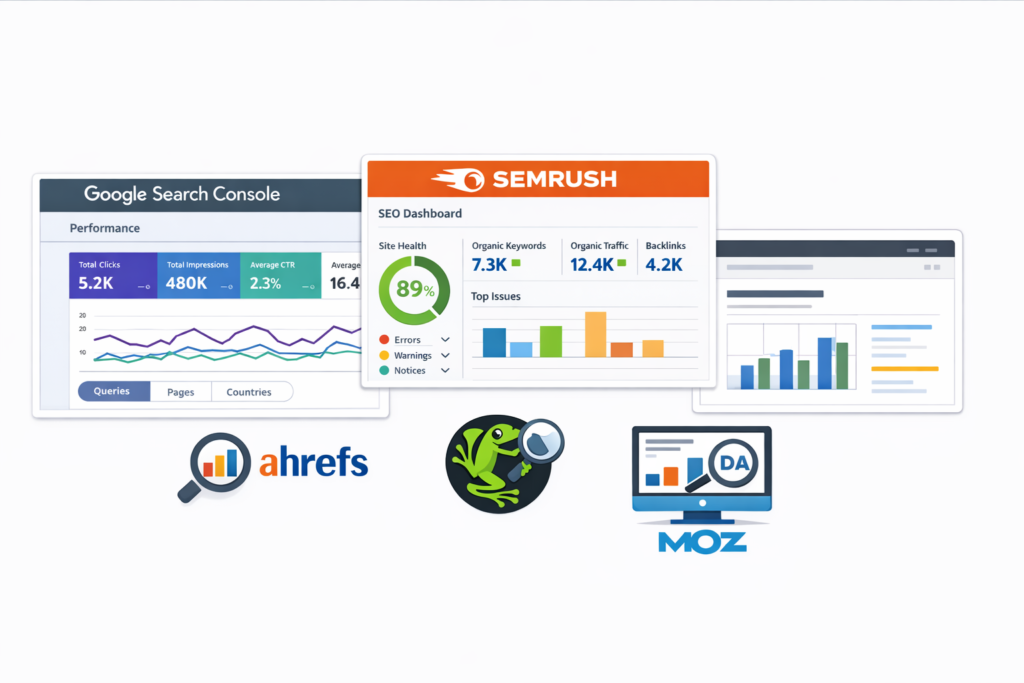
You don’t need a big budget to audit your site effectively. These five tools cover everything:
- Google Search Console — tracks your traffic, indexing status, and any manual penalties applied to your site.
- Google PageSpeed Insights — measures your site speed and Core Web Vitals scores against Google’s benchmarks.
- Semrush or Ahrefs — crawls your entire site for technical errors, keyword gaps, and backlink data.
- Bing Mobile Friendliness Test — checks whether your site meets mobile usability standards across all major search engines.
- Screaming Frog SEO Spider — performs a deep technical crawl, ideal for larger websites with hundreds of pages.
Most of these tools offer a free version or free trial — more than enough to complete your first audit.
How to Perform an SEO Audit: 7 Essential Steps
Follow these seven steps in order — each one builds directly on the findings of the previous. Work through them systematically and you’ll finish with a clear, actionable plan.
Step 1 — Check Crawler Access and Your robots.txt File
Your robots.txt file tells search engine bots which pages they can and cannot crawl. If it’s misconfigured, Google can’t index your site — full stop. As a starting point for any technical SEO review, always check this file first. The three most important bots to allow are Googlebot, BingBot, and OAI-SearchBot (OpenAI’s crawler).
Here’s what a correct robots.txt file looks like:
User-agent: *
Allow: /
Disallow: /admin/
If Googlebot is accidentally blocked, your entire site disappears from Google search results — no matter how good your content is.
Step 2 — Run a Full Technical SEO Crawl
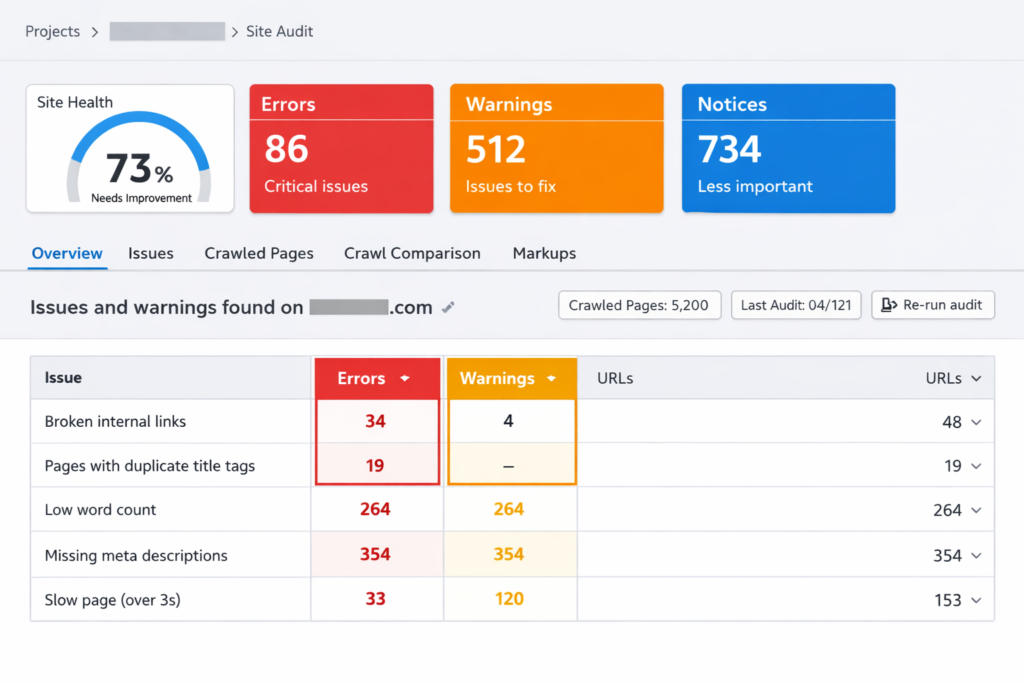
A site crawl reveals the structural problems hiding beneath the surface — broken links, redirect chains, orphan pages, and duplicate content. Use Semrush Site Audit or Screaming Frog to crawl your full site. When the report loads, work through issues in strict priority order: fix Errors first, then Warnings, then Notices. As a rule, don’t move to the next step until you’ve addressed every critical error the crawl surfaces.
Step 3 — Audit Your On-Page SEO Elements
On-page SEO optimisation covers everything on the page itself — title tags, meta descriptions, heading structure, image alt text, and URL format. Run this check on every key page of your site. Use the checklist below:
- ✓ Title tag is under 60 characters and includes the target keyword
- ✓ Meta description is unique and under 160 characters
- ✓ Only one H1 per page
- ✓ Subheadings (H2, H3) are used logically to structure content
- ✓ All images have descriptive alt text
- ✓ URLs are short, clean, and keyword-rich
Even small fixes here — like rewriting a vague title tag — can produce fast ranking improvements.
Step 4 — Evaluate Your Content Quality
Open Google Search Console and pull up your top-traffic pages. Then assign every piece of content to one of four categories:
- UPDATE — Good content that needs more depth or fresher information.
- REWRITE — Content that misses the mark and needs a full overhaul.
- CONSOLIDATE — Overlapping content that should be merged into one stronger page.
- DELETE — Irrelevant or very low-quality content that cannot be salvaged.
In addition, make sure your content demonstrates E-E-A-T — Experience, Expertise, Authoritativeness, and Trustworthiness — because Google actively rewards it.
Step 5 — Check Site Speed and Core Web Vitals
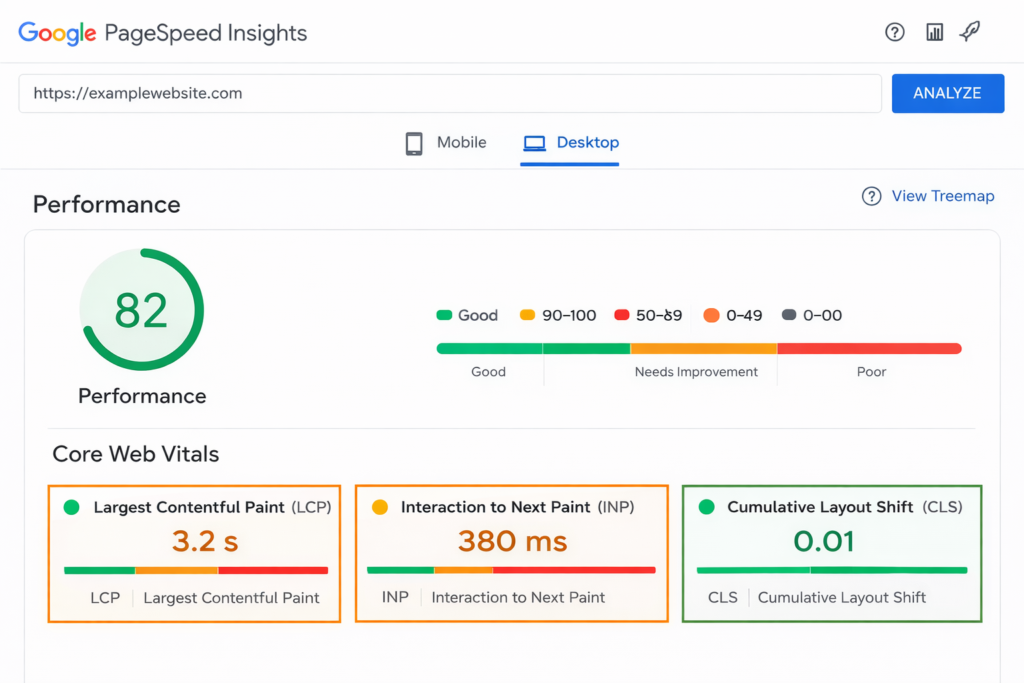
Google uses three Core Web Vitals to measure page experience. Here are the benchmarks you need to hit:
- LCP (Largest Contentful Paint): under 2.5 seconds
- INP (Interaction to Next Paint): under 200 milliseconds
- CLS (Cumulative Layout Shift): score under 0.1
Run your site through Google PageSpeed Insights and aim for a Performance score of 80 or above. Slow sites don’t just lose rankings — they also get skipped over by AI platforms when choosing sources to cite.
Step 6 — Analyse Your Backlink Profile
Backlinks signal authority — to both search engines and AI platforms. More importantly, it’s not just quantity that matters; quality and diversity are critical. Check three things in your link building strategy review: (1) your referring domain growth trend over time, (2) your anchor text distribution, and (3) the quality of the sites linking to you. Keyword-stuffed anchor text from low-quality sites is a major red flag for Google penalties. If you find toxic backlinks, use Google Search Console’s disavow tool to neutralise them.
Step 7 — Review Organic Traffic and Benchmark Competitors
Open the Search Results report in Google Search Console and look for pages with significant traffic drops. Sudden declines almost always correlate with a major Google algorithm update — knowing the timing helps you diagnose the cause. Next, run a competitor keyword research gap analysis: identify what keywords your competitors rank for that you don’t. Use Semrush Keyword Gap or Ahrefs Content Gap to find these opportunities fast. These are the pages you need to build or improve next.
Best SEO Audit Tools
- Screaming Frog → Site crawl
- SEMrush → Full audit
- Ahrefs → Backlinks
- Google Search Console → Free data
Common SEO Audit Mistakes to Avoid
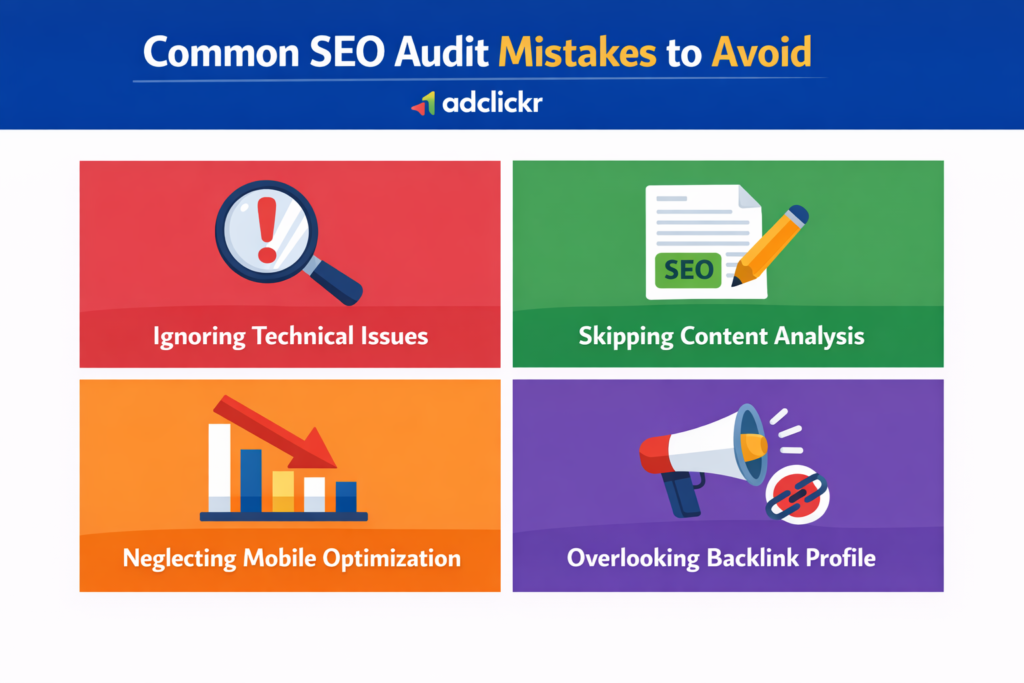
Even experienced marketers make these errors — avoid them from the start:
- Treating the audit as a one-time exercise — SEO audits must be repeated regularly. Search is never static.
- Fixing issues without tracking before-and-after metrics — always record your baseline data first, so you can prove what’s working.
- Ignoring mobile usability and Core Web Vitals — Google uses mobile-first indexing, so your mobile experience directly affects rankings.
- Overlooking AI visibility — your brand needs to appear in ChatGPT and Gemini answers too, not just traditional Google results.
How Often Should You Run an SEO Audit?
You should run a full SEO audit at least every three to six months — but certain events demand one immediately:
- Every 6 months for small or low-traffic websites
- Every 3 months for active blogs, e-commerce stores, or competitive niches
- After every major Google algorithm update
- Immediately after a website redesign or domain migration
Free SEO Audit Template
Download here → Audit report
Frequently Asked Questions About SEO Audits
It depends on your site size. A small website with under 50 pages typically takes one to two days to audit fully. A large e-commerce site or content-heavy platform can take one to two weeks. Using automated tools like Semrush significantly reduces the time required.
Yes — absolutely. Google Search Console and Google PageSpeed Insights are completely free. Semrush also offers a free tier that lets you crawl up to 100 pages and run keyword analysis. You can complete a solid foundational audit without spending a penny.
The first step is always checking that search engine crawlers can access your site. Review your robots.txt file to confirm Googlebot, BingBot, and OAI-SearchBot are allowed. If crawlers can’t reach your pages, nothing else in the audit matters.
Start Your SEO Audit Today

Follow the seven steps in this guide — from crawler access to competitor benchmarking — and you’ll have a complete picture of exactly what’s holding your site back. An SEO audit is not just a diagnostic tool; it’s the foundation every search visibility strategy must be built on.
Ready to find out what’s holding your website back? At Adclickr, we provide comprehensive SEO audits tailored to your business goals. Our team handles everything — from technical crawling to content strategy — so you can focus on growing your business. Get your free SEO audit today and start ranking.
Want to go deeper? Download our complete SEO checklist to make sure you haven’t missed a thing.

About the author
Ujjwal Kumawat
I specialize in SEO, website development, Google Ads and online business growth strategies. Through my blogs, I share practical insights, marketing tips and proven strategies to help businesses improve their online visibility, generate more leads and grow faster in the digital space.